
Microsoft Teams Rooms
VSSI designs, installs and supports Microsoft Teams Rooms using room hardware selected for your space and Microsoft 365 environment. Plan the room experience, equipment and IT requirements together.
Why Choose Microsoft Teams Rooms?
We design and deliver Microsoft Teams Room solutions that help organizations communicate, collaborate, and meet more effectively in today's hybrid work environment. Whether supporting daily team meetings, client presentations, training sessions, classroom instruction, or secure government communication, Microsoft Teams Rooms provide a familiar and easy-to-use meeting experience. From conference rooms and training spaces to classrooms and mission-critical environments, VSSi provides reliable AV technology that brings people, content, and tools together in one connected platform. Our solutions are built to support clear communication, smooth content sharing, and a professional meeting experience for both in-room and remote participants.
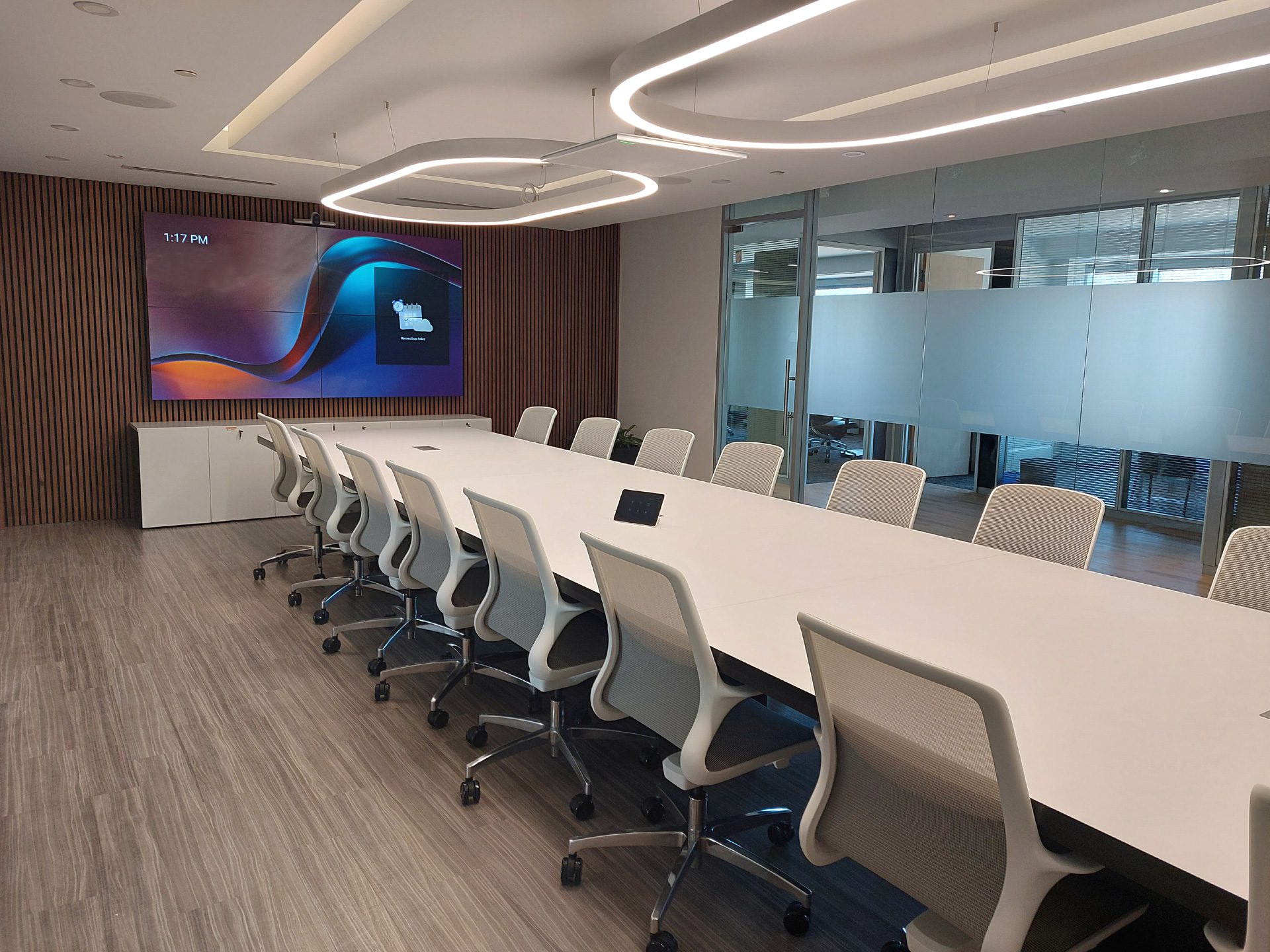
Smarter Meeting Spaces with Microsoft Teams Rooms
Microsoft Teams Rooms support modern workplaces with meeting spaces that are simple to join, easy to manage, and built for productive collaboration. With a familiar Teams experience, users can start meetings, present content, and connect with remote participants with confidence.
As AV integrators, we help organizations implement Teams Room systems that fit the needs of each space, from small meeting areas to larger collaboration environments. Our solutions are built to improve communication, support hybrid work, and deliver a professional meeting experience across your organization.
Certified Hardware
We design and deploy with industry-leading hardware partners, with certified expertise across the full collaboration stack.






Plan the Room, Not Just the Platform
A Teams Rooms project combines physical AV equipment with the account and management requirements of your Microsoft environment. Room size, seating, camera coverage, audio, displays, and controls all belong in the design discussion. Your IT team should also be involved in decisions about room accounts, network access, licensing, and device management.
Bring your room layout and Microsoft environment requirements into the same plan so the equipment and meeting workflow work together. Explore conference room AV installation for the physical space, or compare video conferencing installation and unified communications options for dedicated rooms and laptop-based meetings.
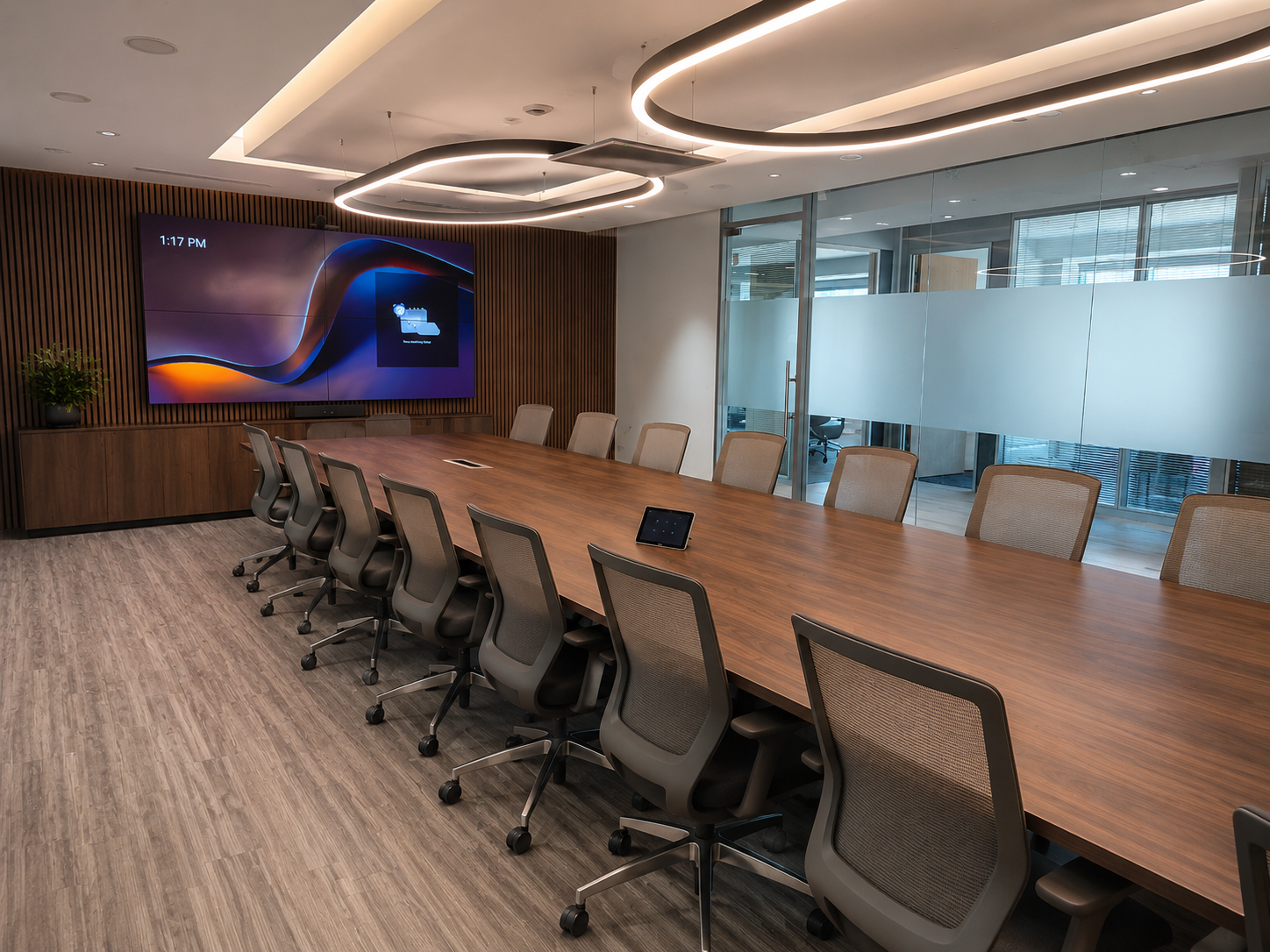
Premium Executive Meeting Space | Herndon, VA
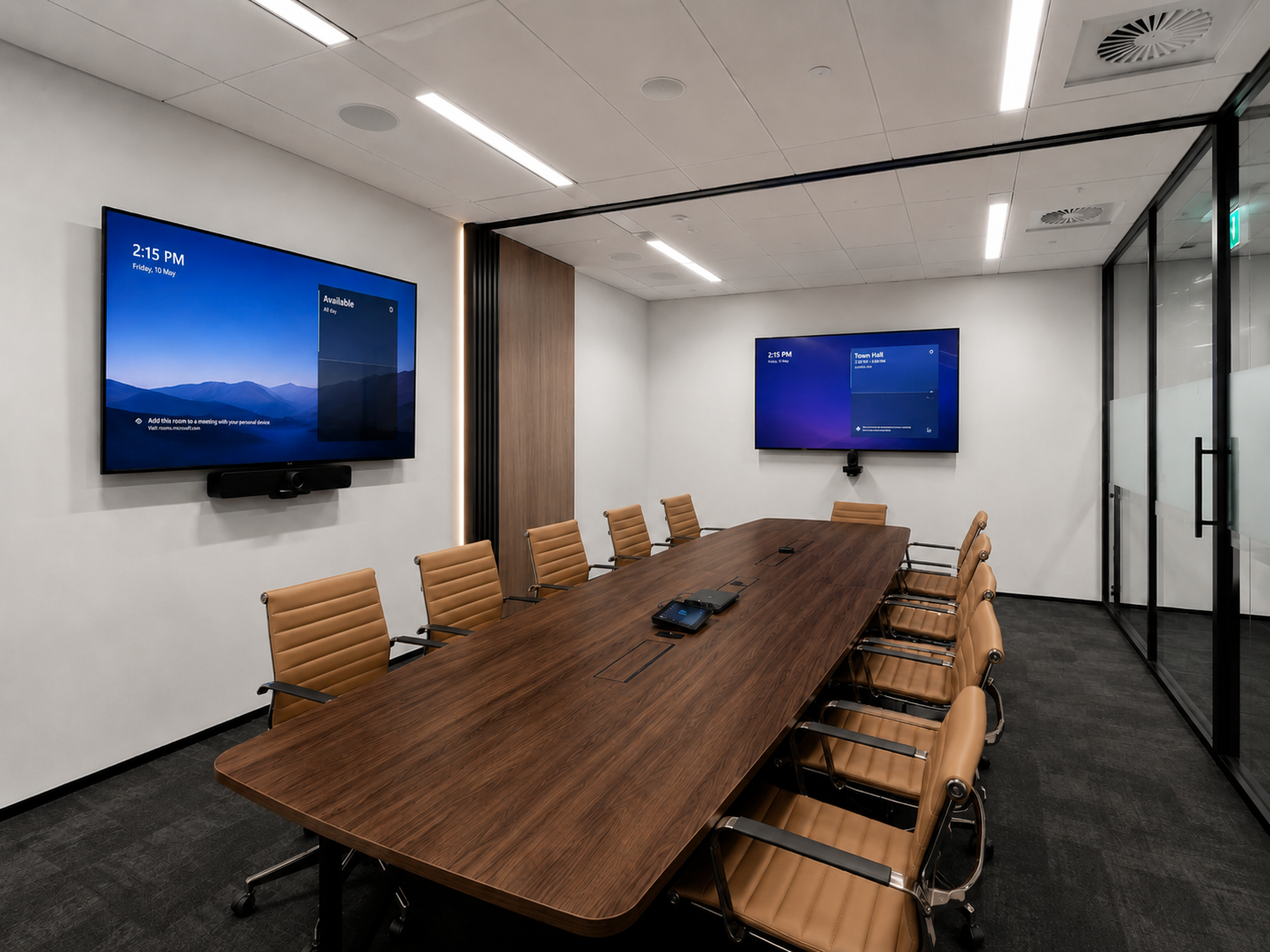
Conference Room AV Upgrade | Reston, VA
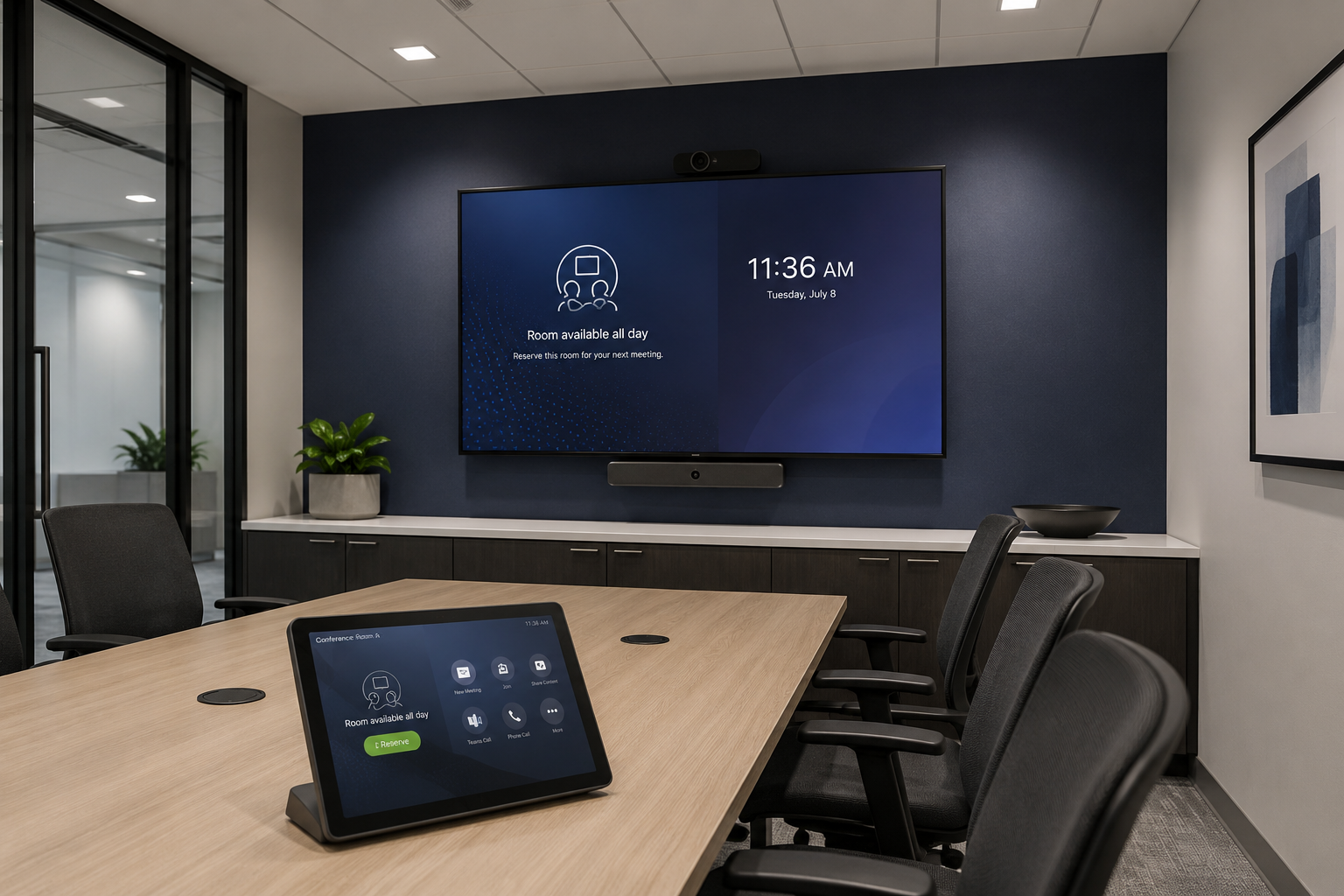
Small Conference Room | Washington D.C.
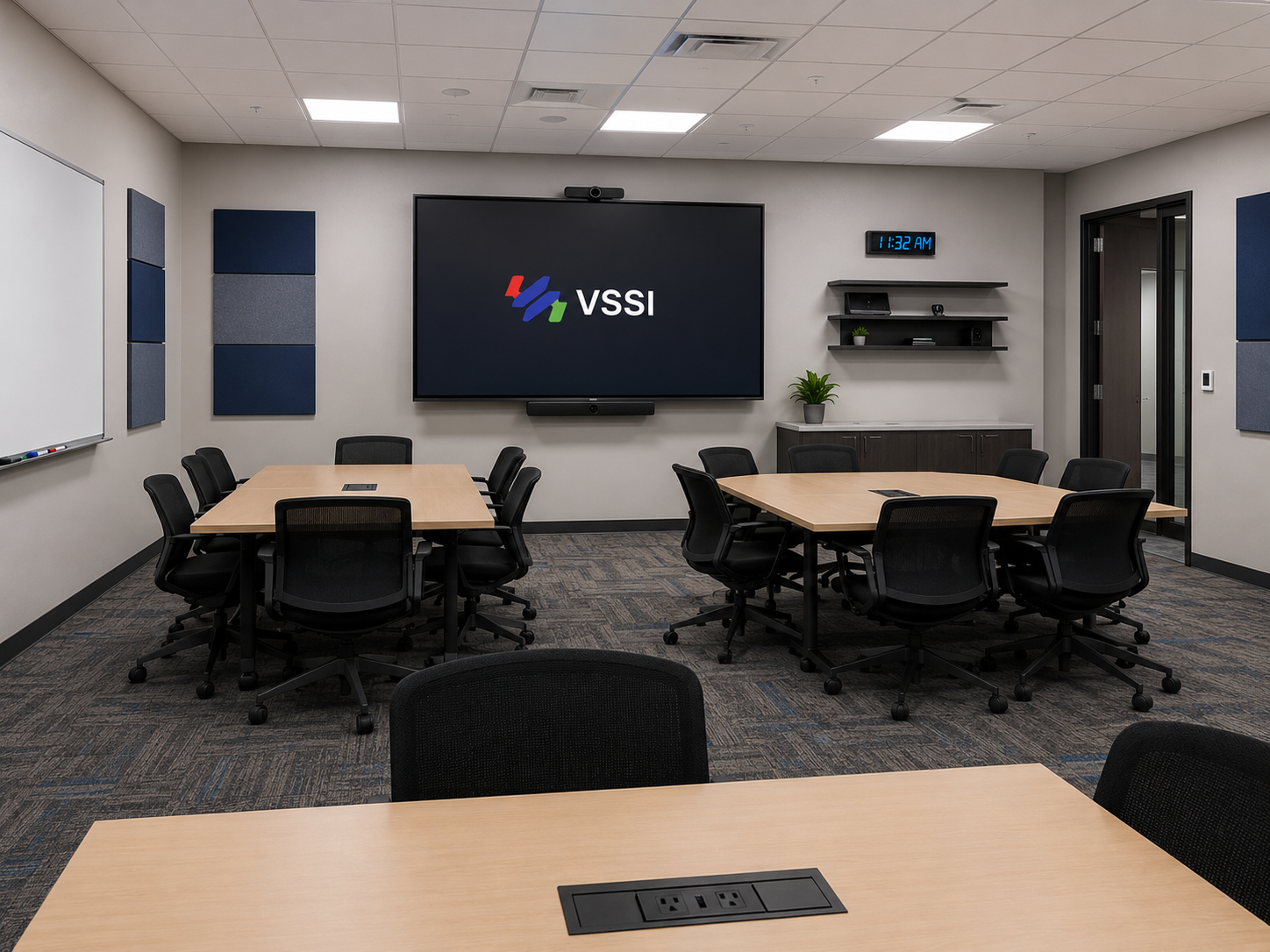
Collaboration & Training Suite | Baltimore, MD
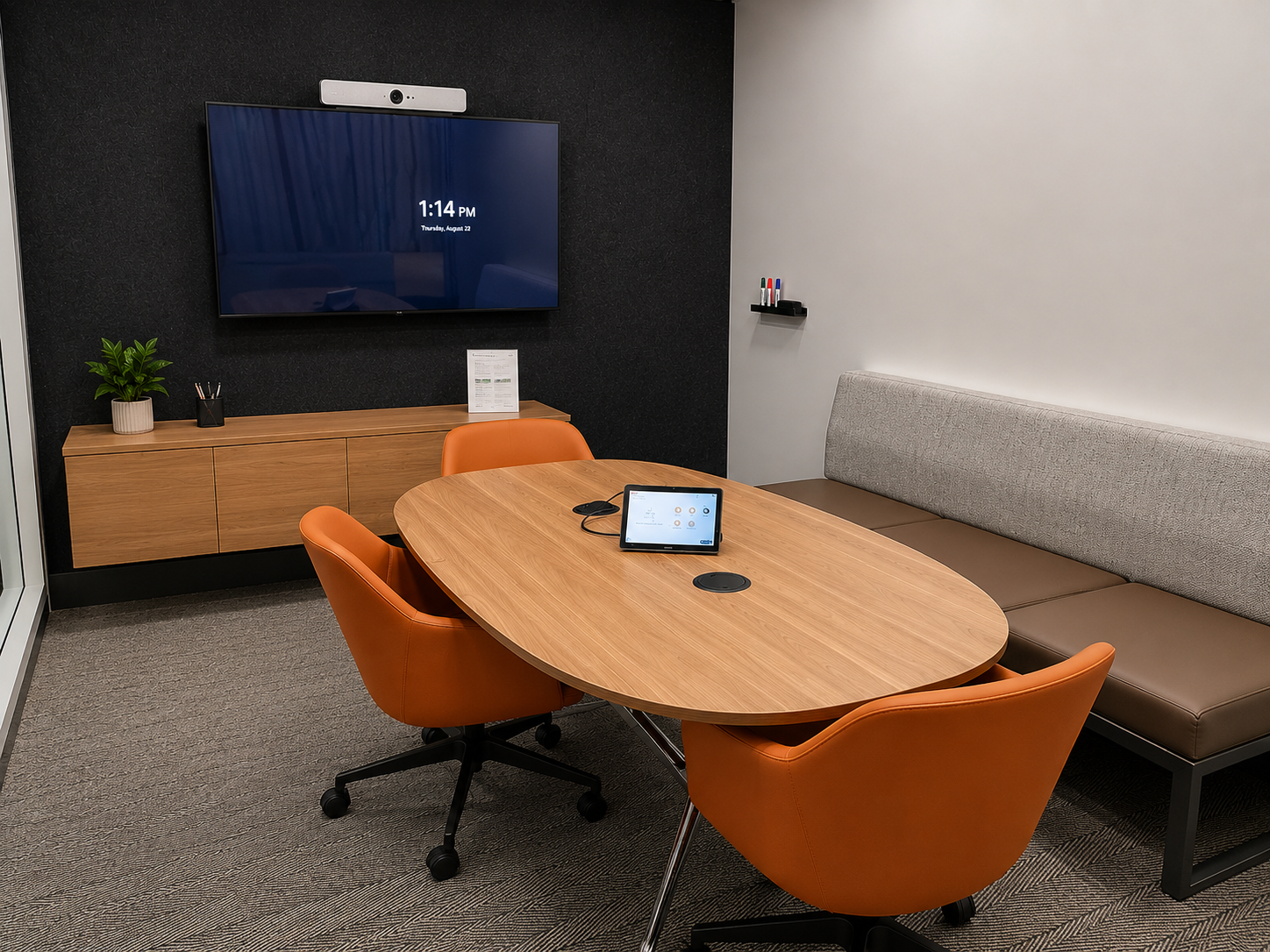
Huddle Room | Arlington, VA
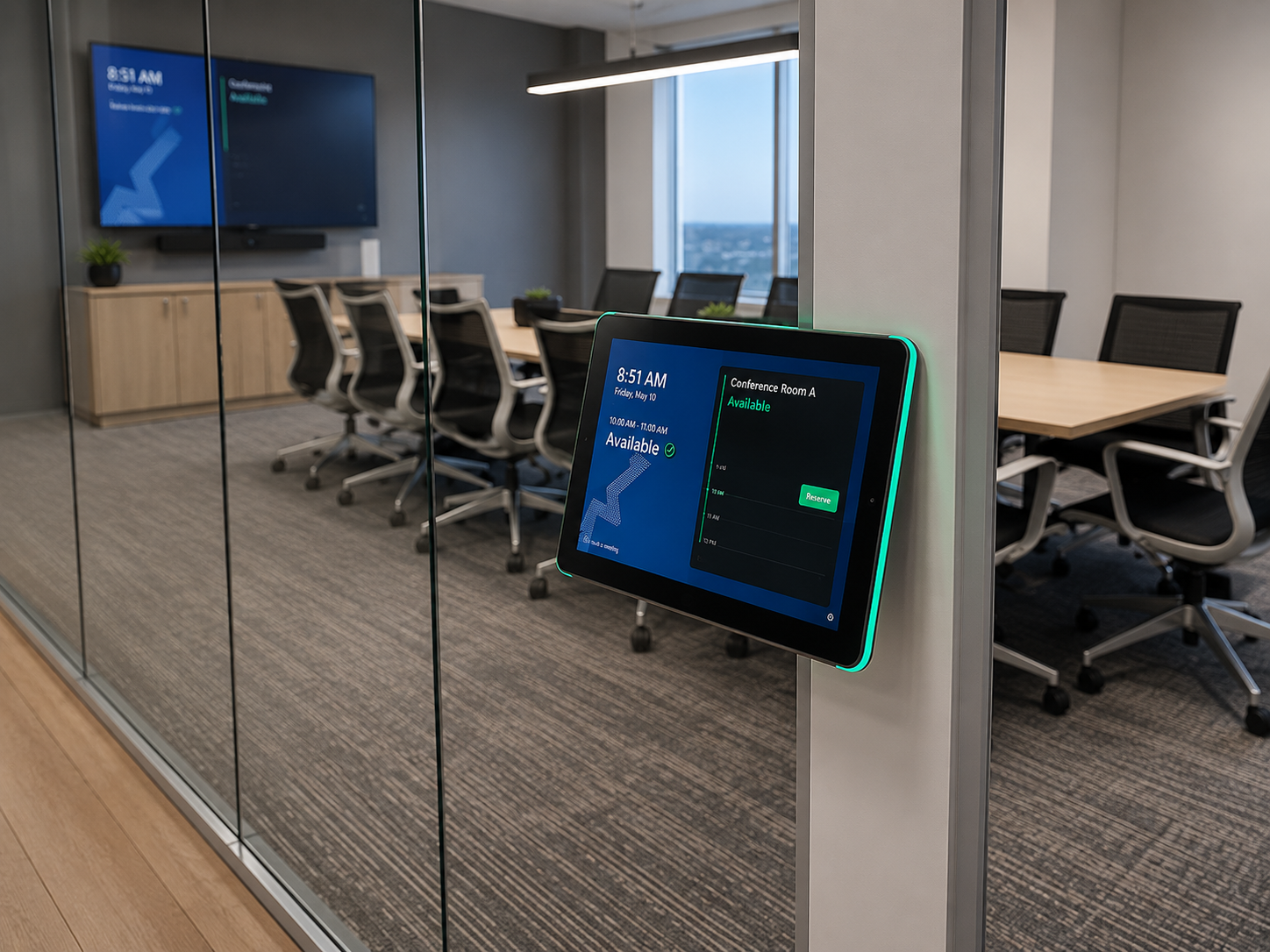
Room Scheduling Solution | Washington D.C.
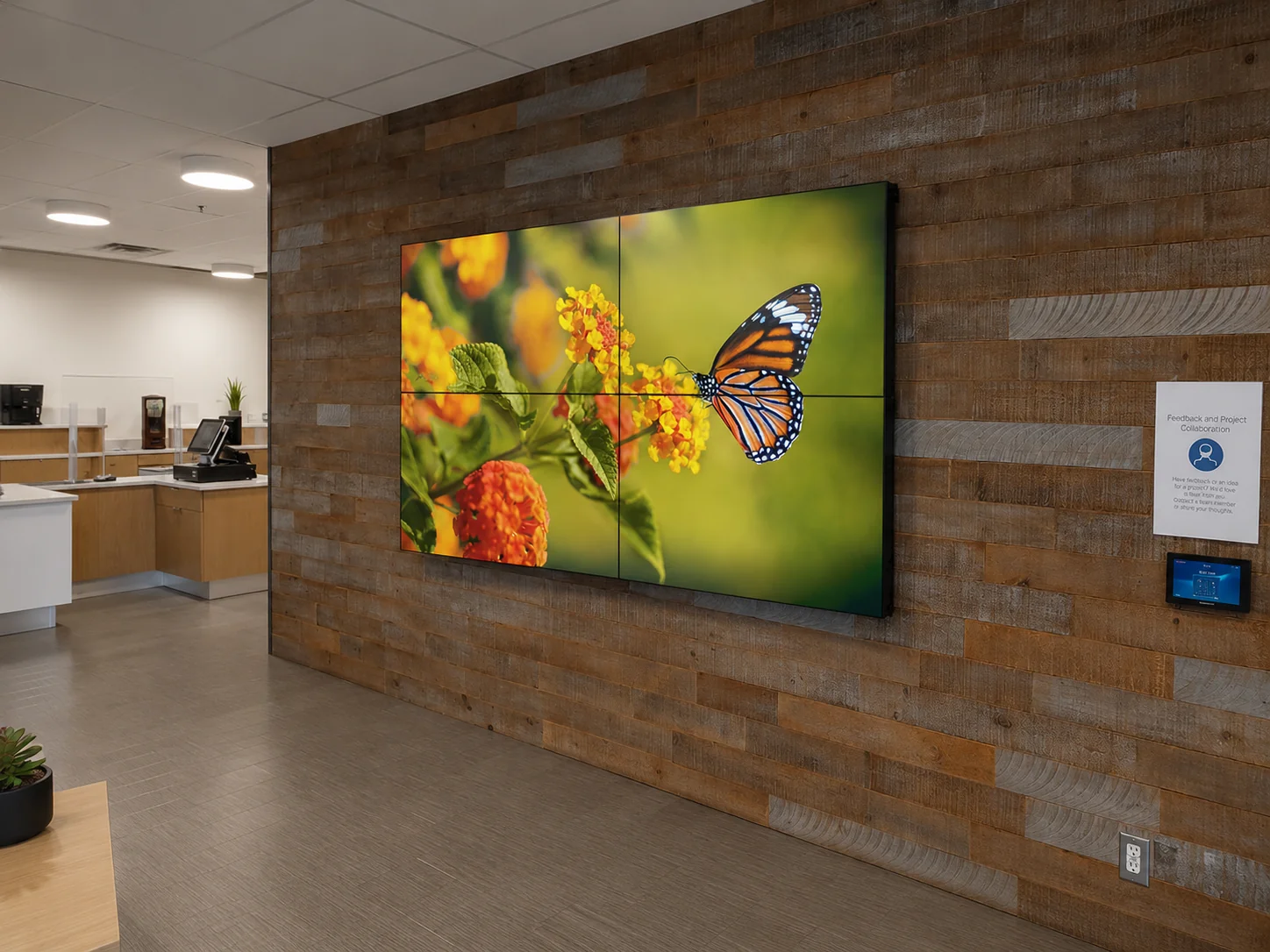
Commercial Video Wall Deployment | Washington, DC
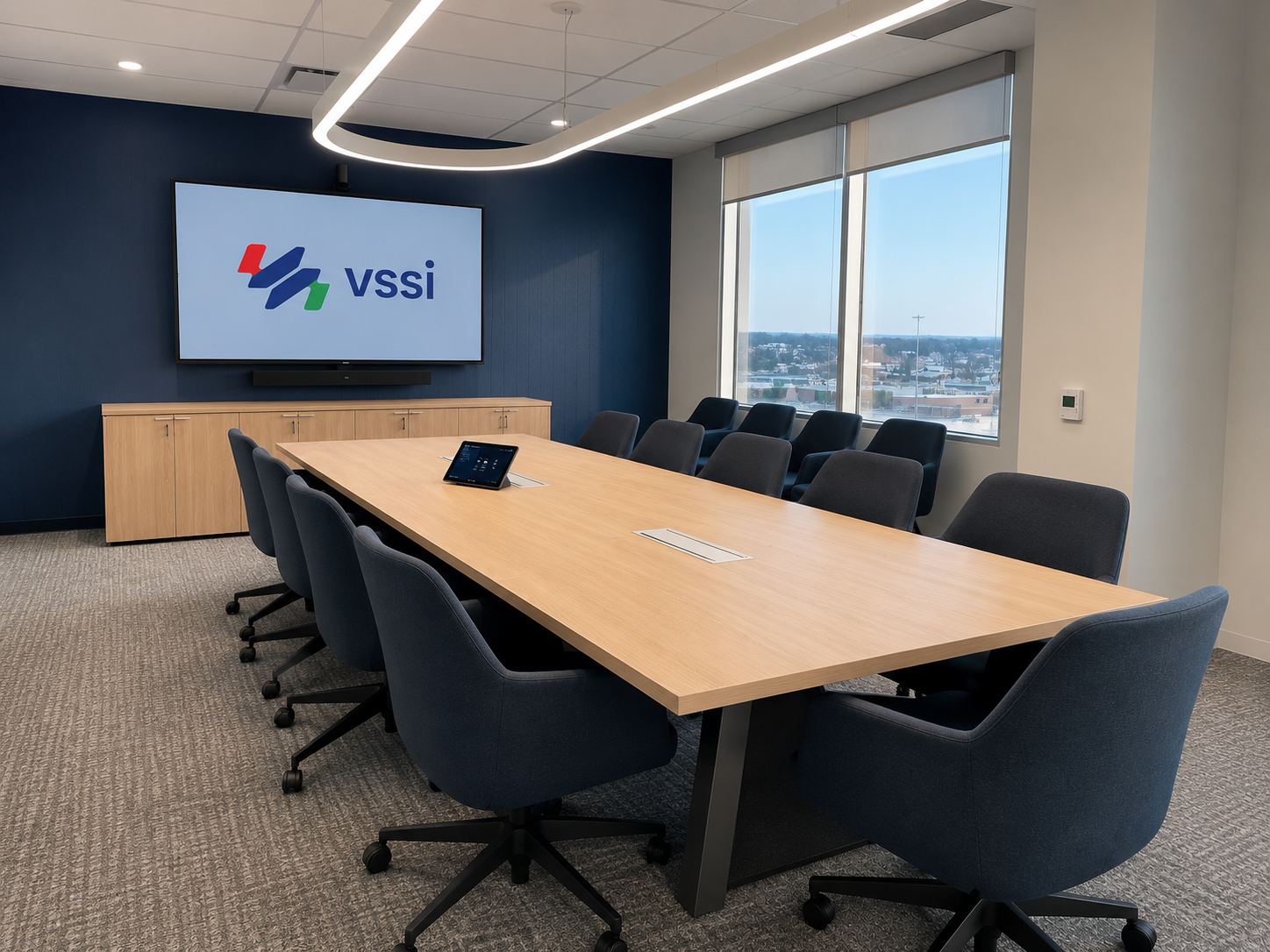
Corporate Boardroom
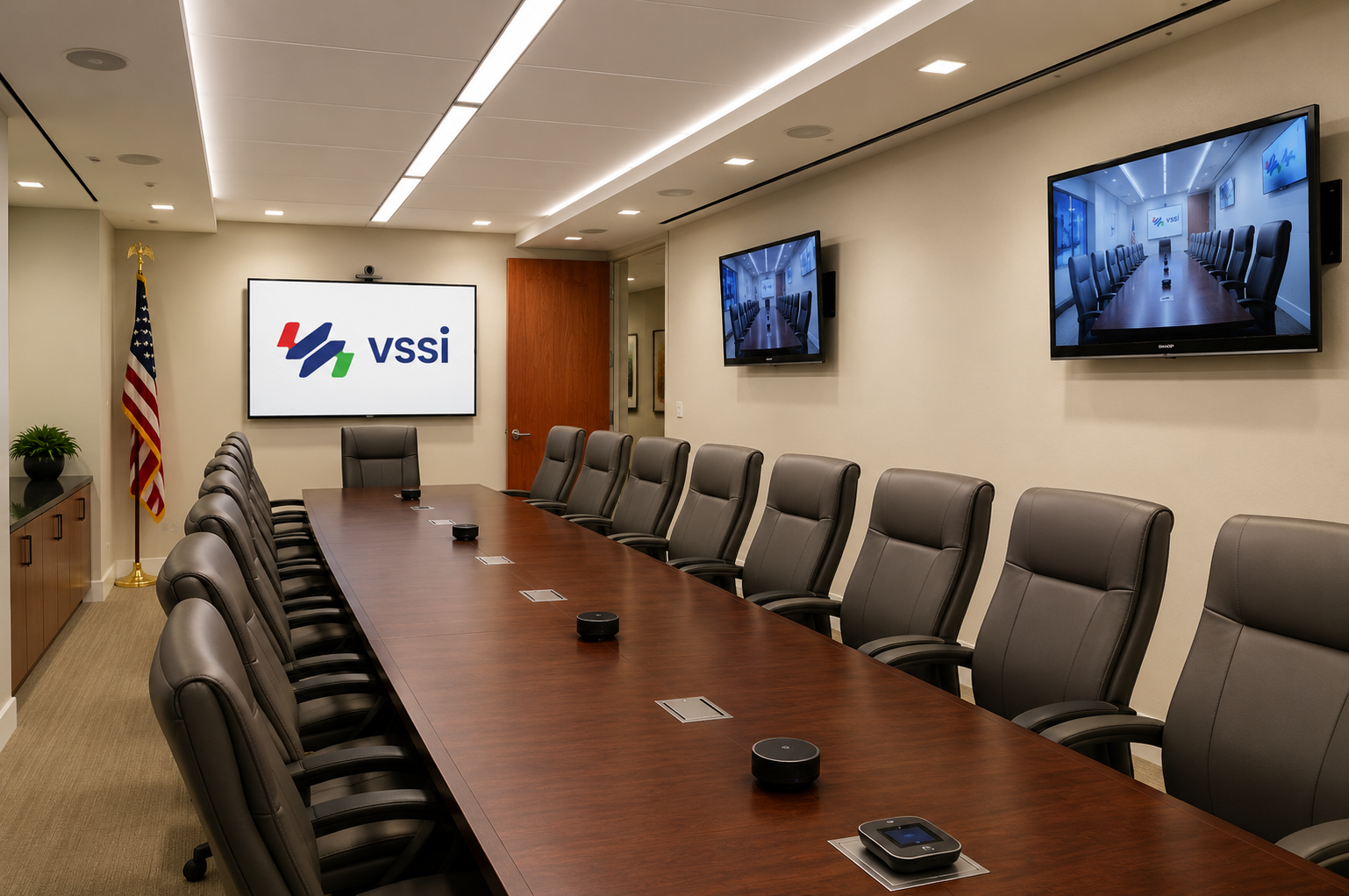
Executive Boardroom | Washington D.C.
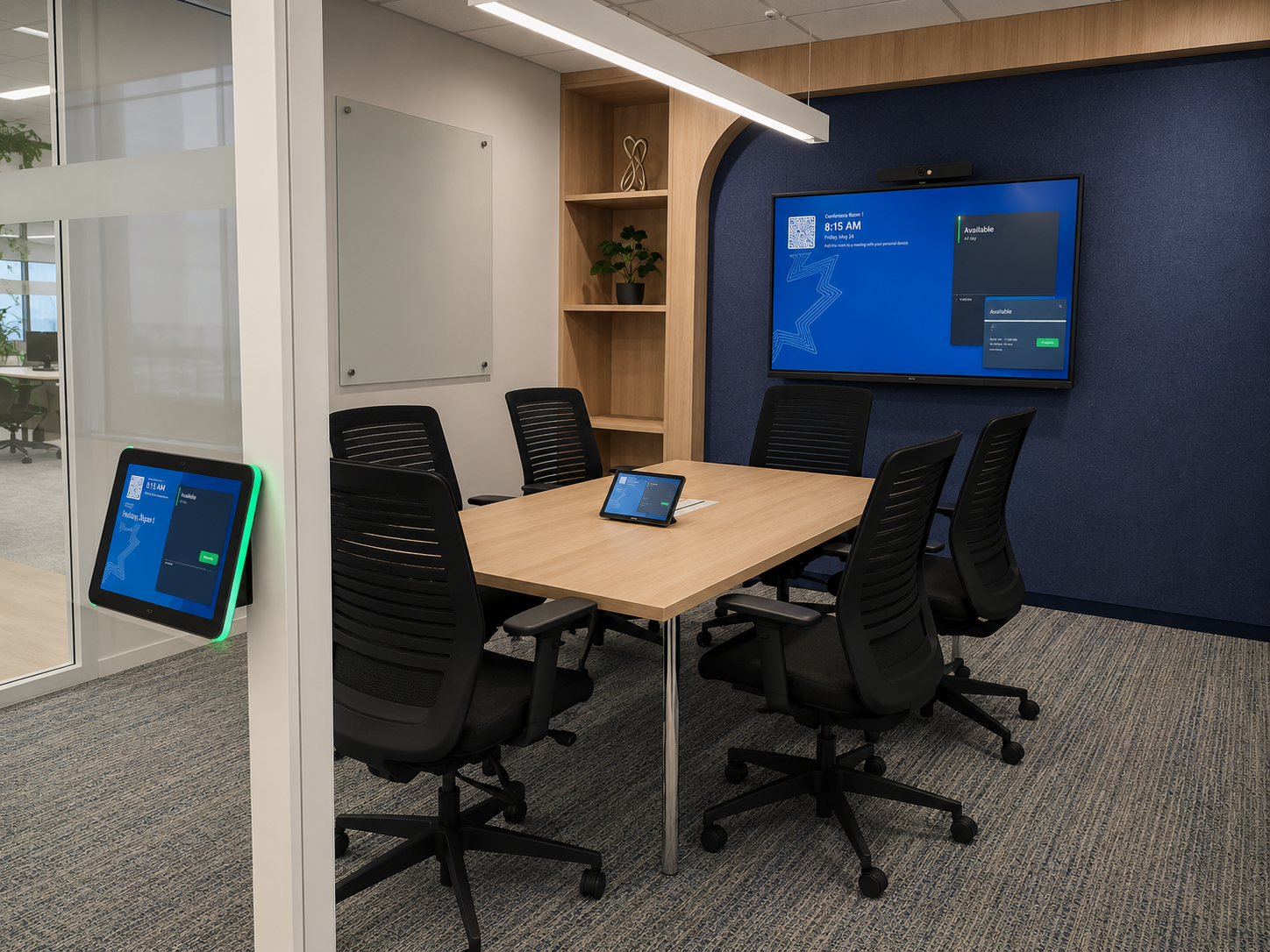
Huddle Space | Washington D.C.
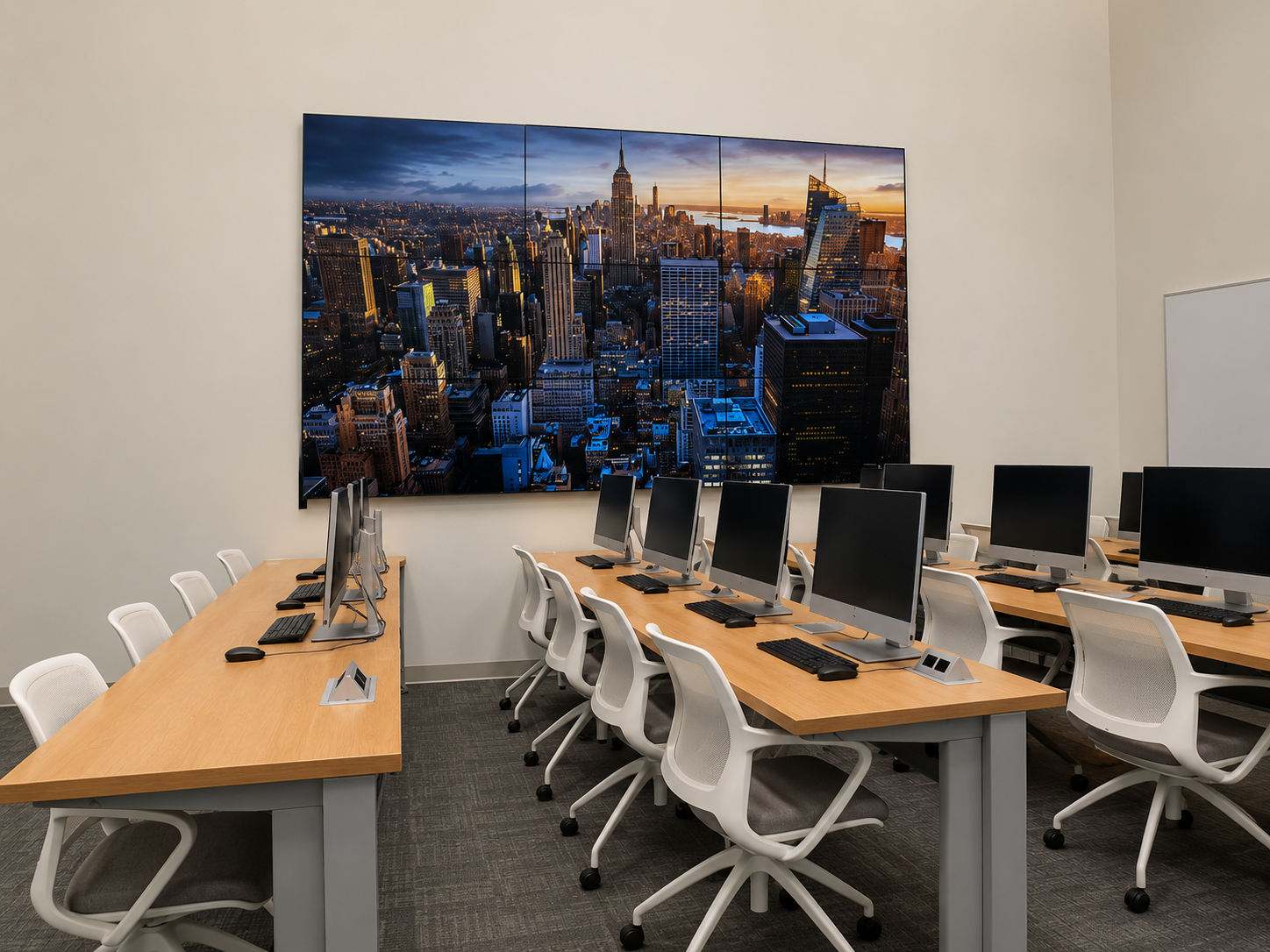
Modern Classroom AV Upgrade | Baltimore, MD
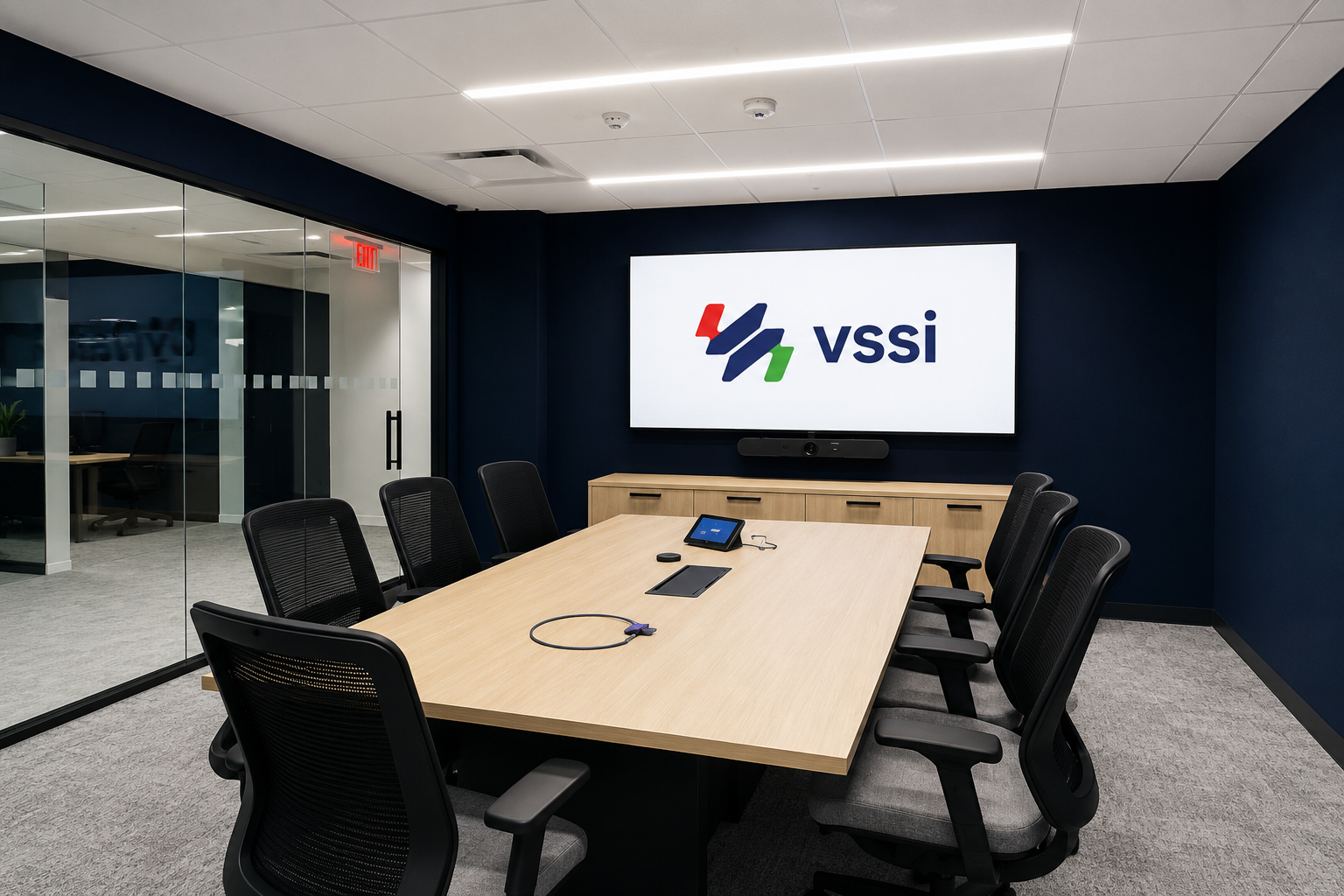
Small Conference Room | Reston, VA
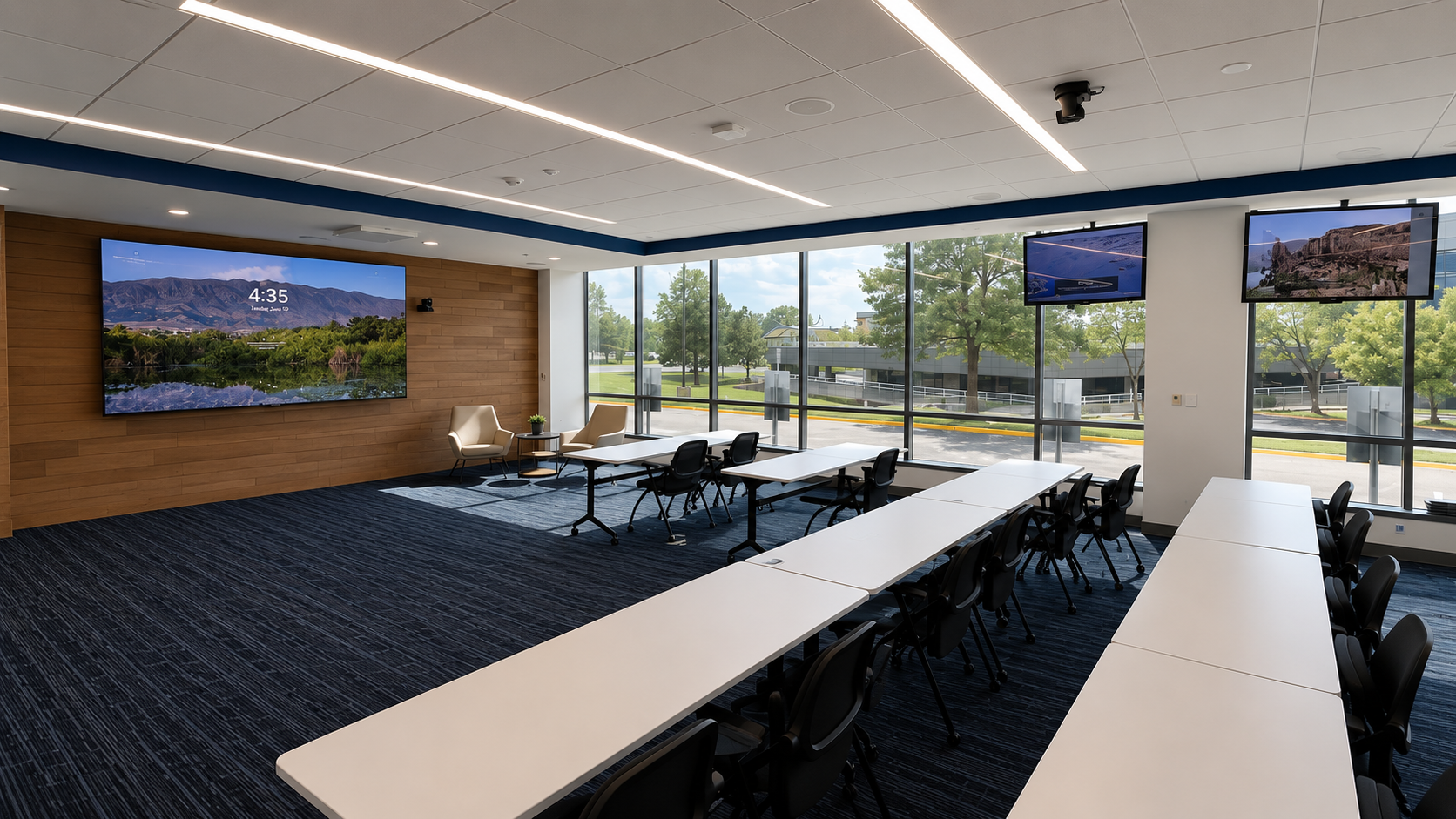
Training Room | Rockville, MD

Ready to Start?
Let our experts design a solution tailored to your workspace needs