
Case Study · September 2025 – June 2026
Microsoft Teams Rooms Integration for a Corporate Office in Arlington, VA
How VSSi, as the AV integrator from start to finish, brought Teams Rooms computers, displays, cameras, touch panels, Shure audio and the client network together into one working system in every conference room of a fast-growing technology company's Arlington office, and came back to expand them.
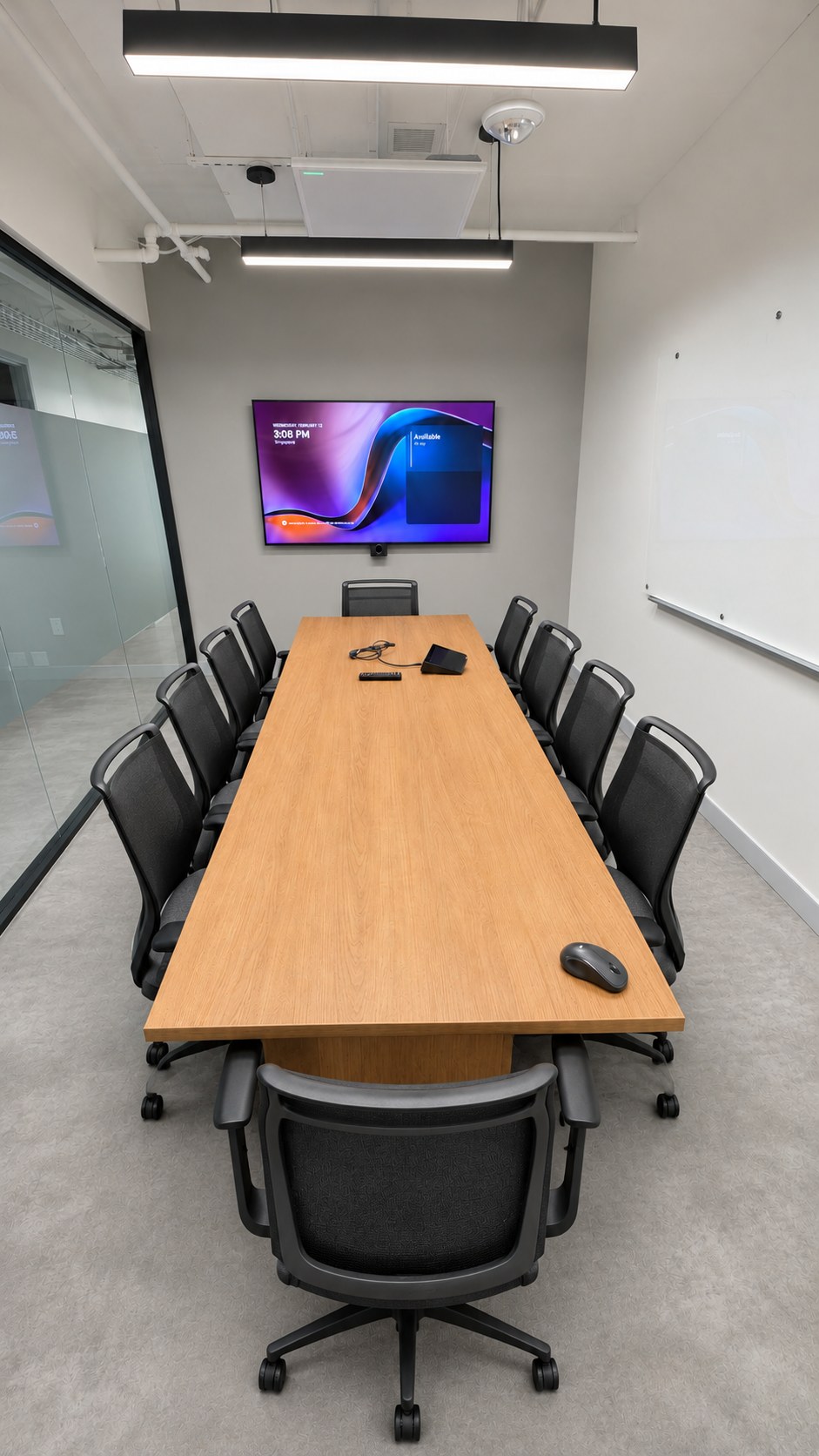
A fast-growing technology company needed its Arlington, Virginia office ready for everyday video meetings. VSSi, an AV integrator serving Virginia, Washington DC and Maryland, was the single team responsible for making it work: removing old equipment, installing and connecting every device, configuring the audio, working through the network with the client's IT team, and testing and commissioning each Microsoft Teams Room. The client brought VSSi back for more rooms in October 2025 and again in June 2026.
Project Overview
| Property type | Corporate office conference rooms |
|---|---|
| Location | Arlington, Virginia |
| Services | Equipment removal, Microsoft Teams Rooms integration, display and camera installation, Shure microphone and DSP configuration, network troubleshooting, floor raceways and cable management, testing and commissioning |
| Systems | Microsoft Teams Rooms computers, 65" and 75" displays, video bars and cameras, Teams Rooms touch panels, Shure ceiling microphone arrays with DSP, wall-mounted equipment racks, floor cable tracks |
The Challenge: Many Rooms, One Standard
The office had rooms of different sizes, from four-person huddle rooms to large conference rooms, and older equipment that didn't give people a consistent meeting experience. Every room needed to work the same way, start a Teams meeting with one tap and sound clear from every seat.
Midway through, the networked microphones and DSPs couldn't be found on the client's network, which would have stalled commissioning.
Our Solution: One Integrator for Every Layer of the Room
A Teams Room only works when the hardware, software, audio and network all work together. Instead of the client managing separate installers, IT and equipment vendors, VSSi took responsibility for the whole system in every room and made sure the pieces worked as one.
Installation built to a standard
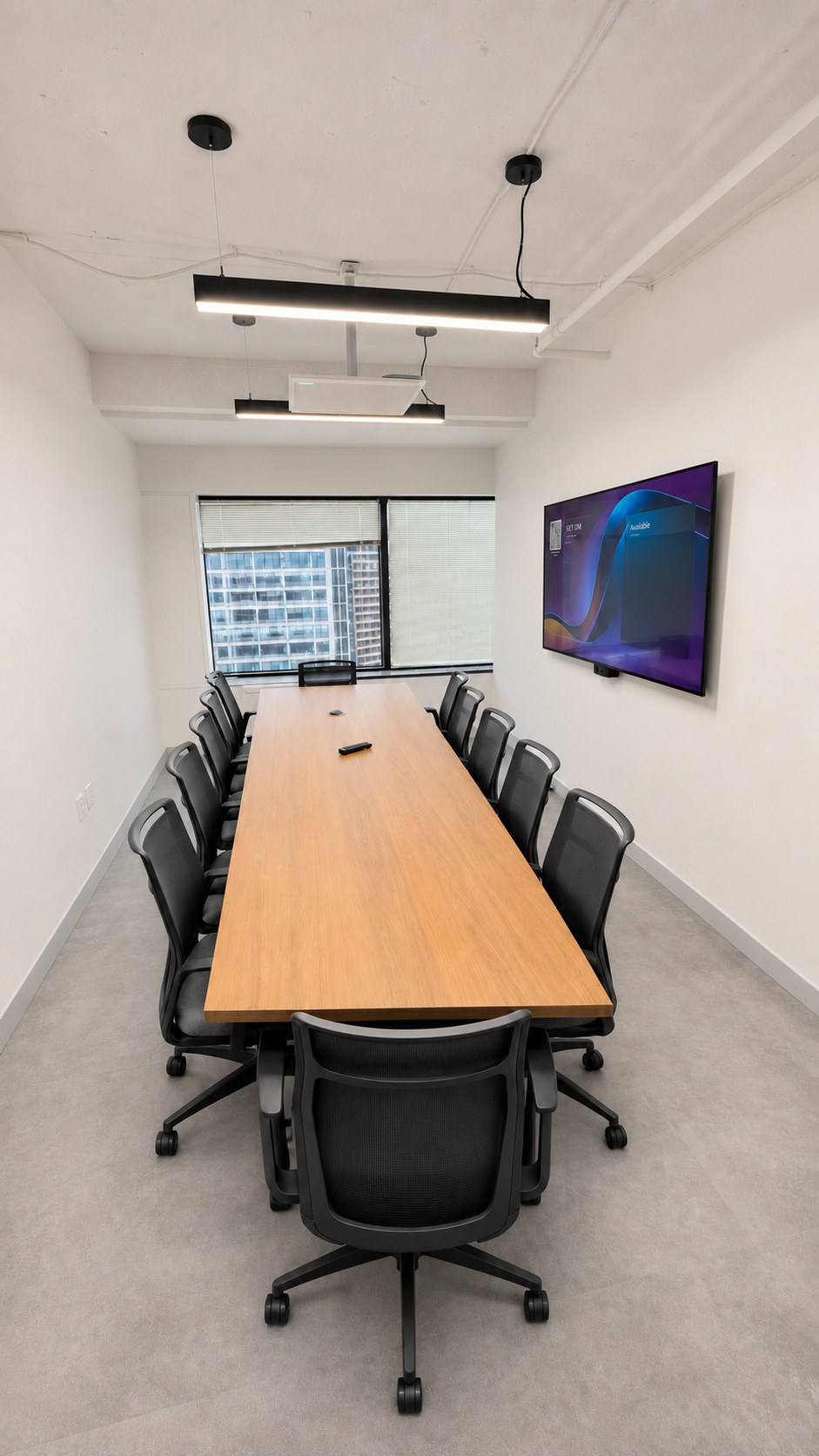
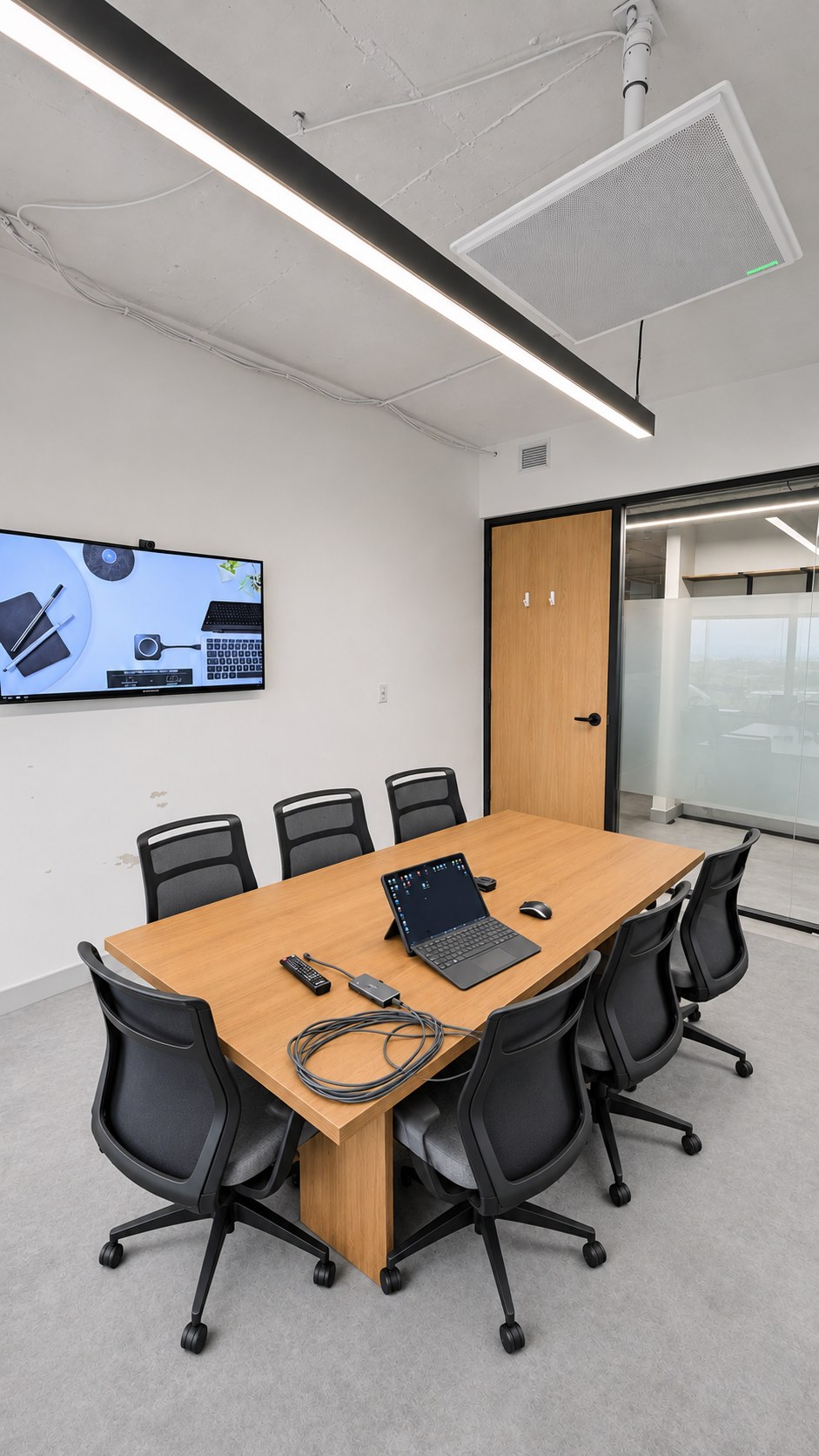
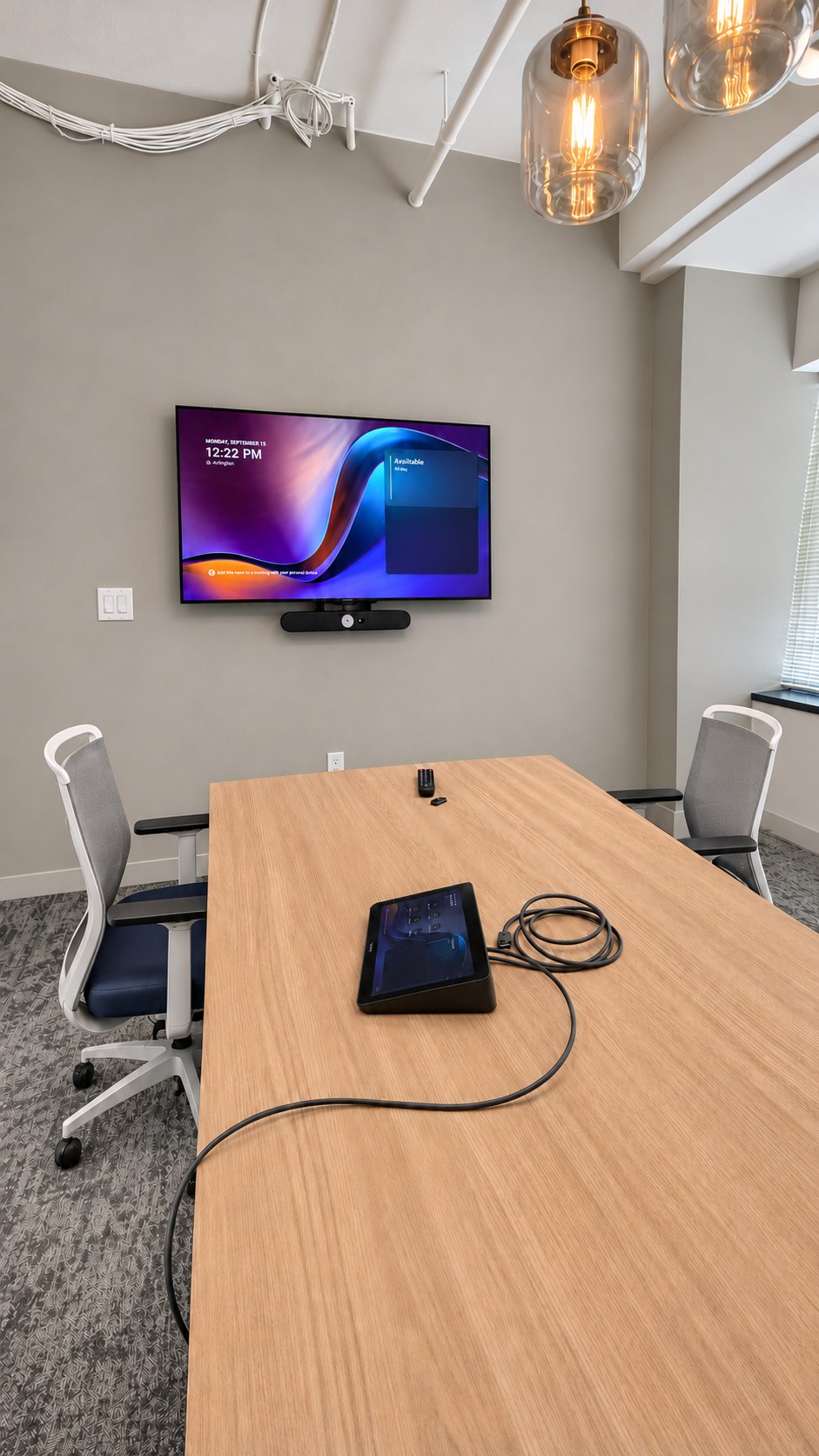
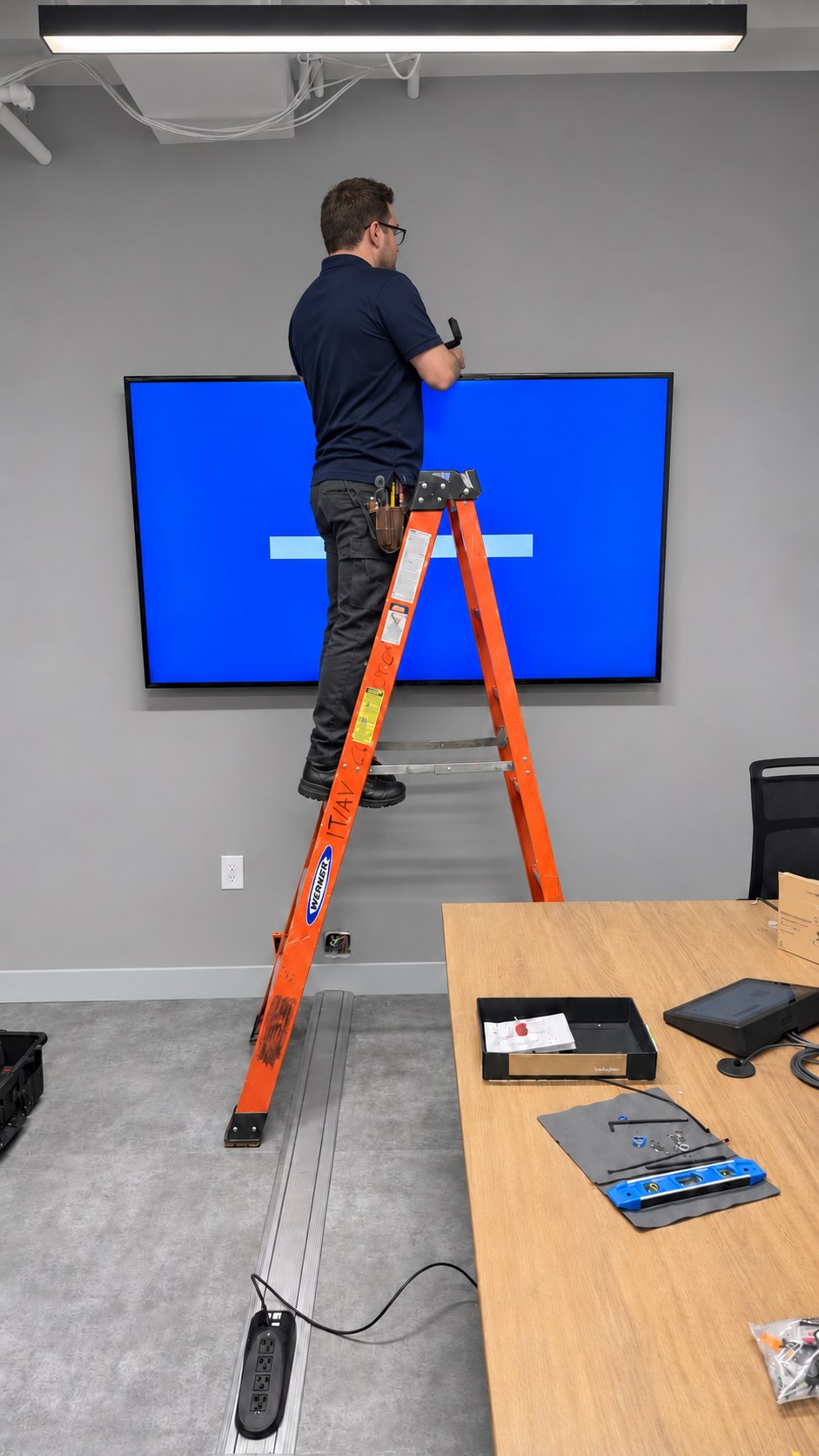
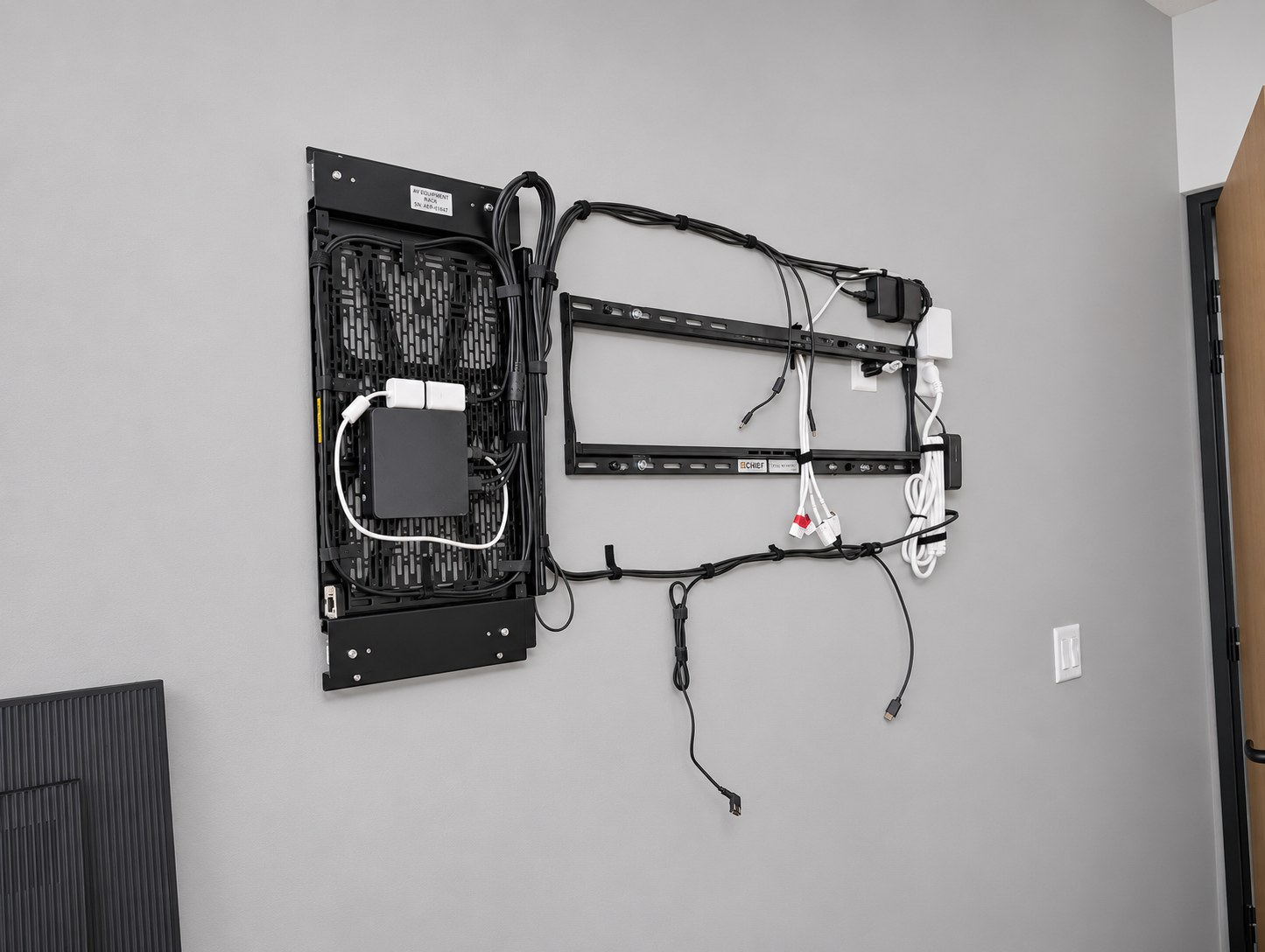
VSSi removed the old equipment, installed wall racks, raised display mounts to the right height and installed new displays, cameras and touch panels. Every room follows the same layout and setup, cameras were moved to match revised drawings, and floor raceways carry the touch panel cables to the table cleanly.
Audio engineered for each room
We installed Shure ceiling microphones and configured each microphone and DSP for its room: named, tuned, updated to current firmware and saved as a room file for easy support later.
Working with the client's IT team
When the Shure devices didn't appear on the network, VSSi tested a DSP directly at the switch, scanned the network and identified the specific ports and settings the devices require, so the client's IT team could open them and every device came online.
Commissioned and supported
Each room was tested end to end with the client, including a live Teams call from the room, before handoff, and the saved room files mean any room can be supported or restored quickly. VSSi later added more Teams Rooms, including a new small conference room with 65" and 75" displays, and upgraded two rooms from older displays and wireless presentation units to Teams Rooms computers.
Explore our Microsoft Teams Room solutions, meeting room AV, corporate office AV and AV maintenance and support.
The Results
- One-tap meetings in every room. Each conference room runs Microsoft Teams Rooms with the same simple experience.
- Clear audio from every seat. Shure ceiling microphones are tuned for each room's size and layout.
- Clean, finished rooms. Equipment is racked behind the displays and cables run in floor tracks, not across the floor.
- One accountable partner. The client had one integrator responsible for equipment, configuration, network coordination and commissioning.
- A repeat client. The client brought VSSi back twice to add and upgrade rooms.
Project Photos
During Installation
Teams Rooms Integration FAQs
What does a Microsoft Teams Room integration include?
Integration means making every part of the room work together as one system. On this project it covered the Teams Rooms computer, displays, cameras, touch panels, Shure ceiling microphones and DSP, cabling and floor tracks, network setup, configuration and a test call from every room.
Can you fix Teams Room devices that don't show up on the network?
Yes. VSSi traced the issue to the client network, identified the ports and settings Shure devices need, and brought every microphone and DSP online.
Can you upgrade existing rooms to Microsoft Teams Rooms?
Yes. VSSi removed older displays and wireless presentation units and replaced them with Teams Rooms systems, reusing the room cabling where possible.
What areas does VSSi serve?
VSSi is based in Crofton, Maryland and provides AV design, integration and support across Virginia, Washington DC and Maryland, including Arlington and Northern Virginia.